Tabnine vs Github Copilot

What Are AI Coding Assistants?
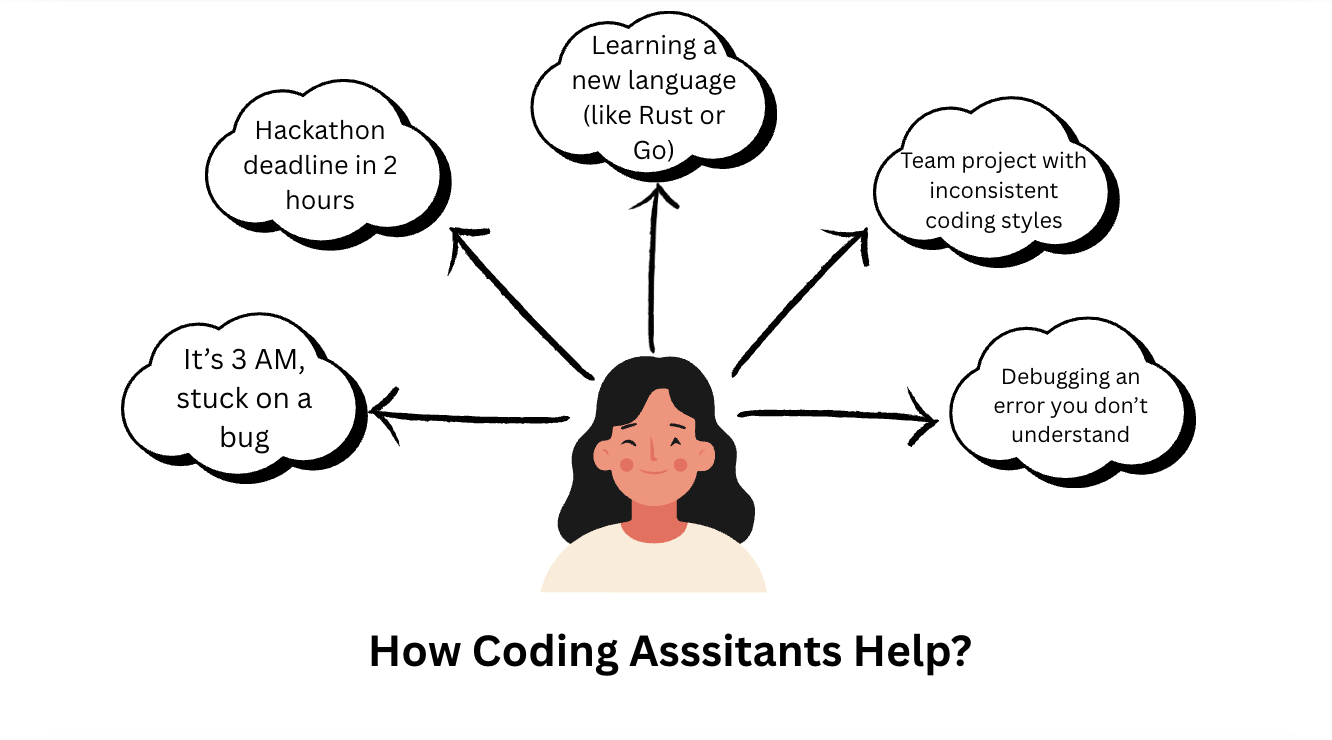
AI nowadays is being actively used by developers to make their work more productive by helping them in writing, testing, and deploying their code. One of the biggest revolutions that took place in coding is the rise of AI coding assistants, after which most of us are confused and ask, “Will AI take my job?” This confusion is justified because these coding assistants help you save a lot of time that we usually spend searching in documentation, finding similar codes written by other developers, or looking at the same projects to identify mistakes made by us. But now, developers can rely on these tools as they provide real-time and context-aware code suggestions directly inside your IDEs.
The Ai coding tools that are most dominating nowadays are Tabnine and GitHub Copilot, both promising to boost your productivity while coding, polish your ideas, and make coding faster and easier. But they do this by taking different paths from each other. In this blog, we will study how they are different and how they can make your work easier, and by the end of the blog, you will be confident enough to choose one of them as per your need.
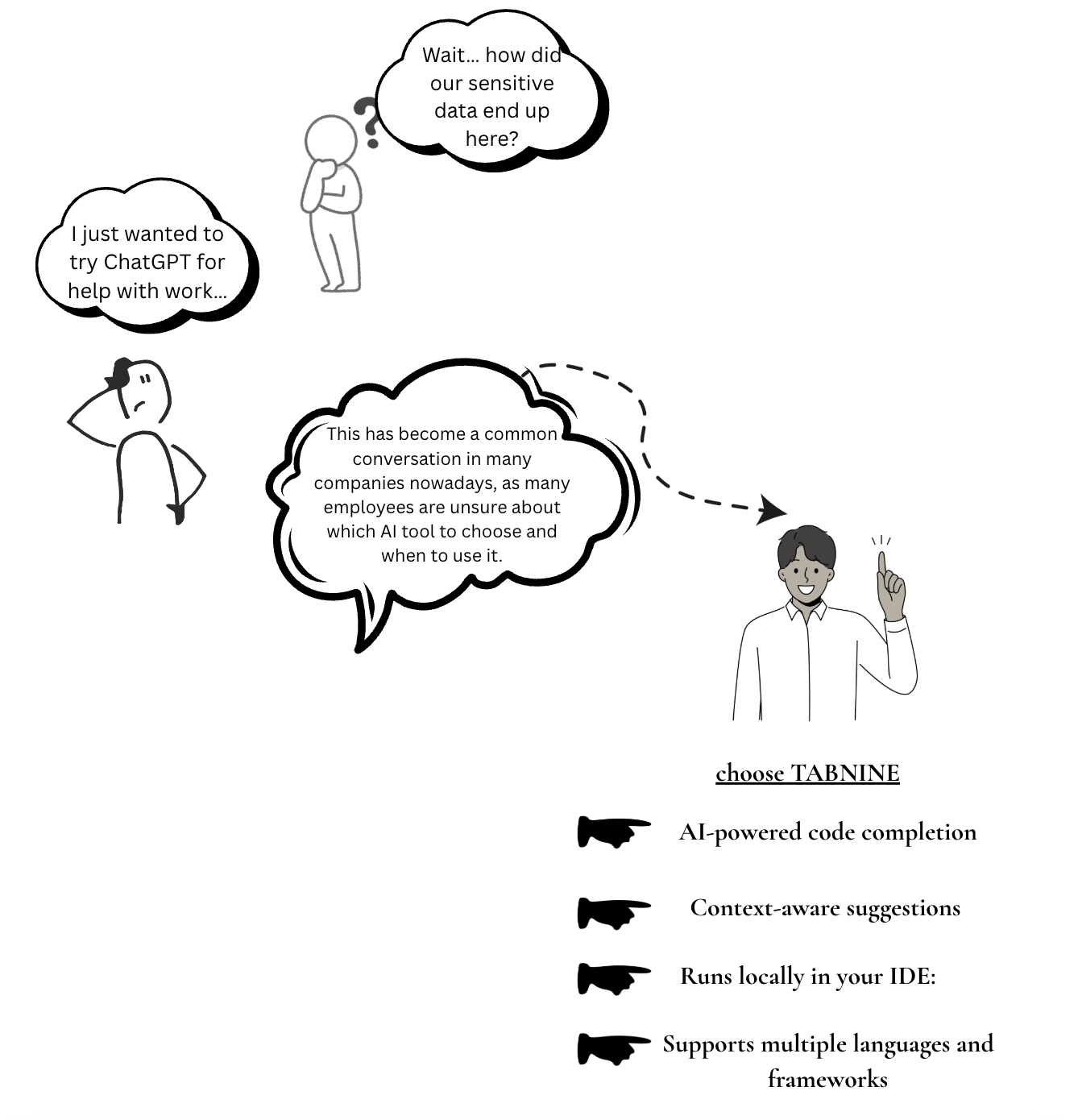
The diagram we saw above depicts a situation that many of us have likely encountered, where we quickly turn to AI assistants. However, to decide which one to choose, we need to know their specifications.
What is Tabnine?
Tabnine is an AI-powered code completion tool that predicts your next lines of code even before you think about your next logical implementation. It is a context-aware coding assistant that runs locally in your IDE. Unlike other coding assistants, where you provide a vague prompt and they generate entire apps or prototypes, Tabnine’s main focus is to deliver context-aware suggestions based on your project’s existing codebase.
The most important concern nowadays is the privacy and protection of sensitive data. This problem is addressed and solved by Tabnine because it has the functionality to run locally in 20+ IDEs, so your code never leaves your local environment. Enterprises can use Tabnine for their private repositories, allowing it to learn your team's styles and provide more personalized suggestions.
What is Github Copilot?
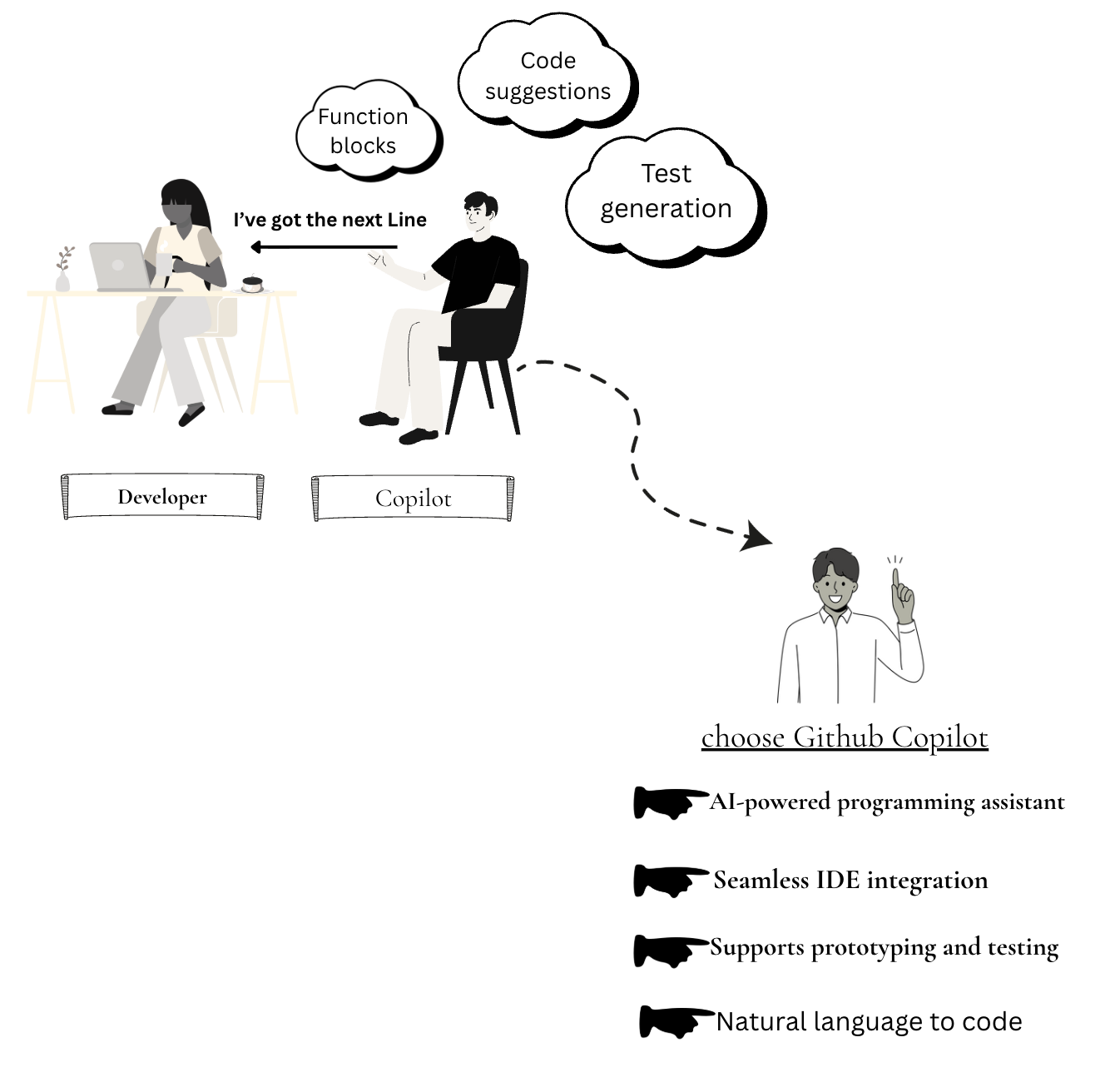
GitHub Copilot is an AI-powered programming assistant, not only helping you with code suggestions, but also helping you prototype faster, write tests, and explore new frameworks efficiently. Built on OpenAI Codex, it integrates seamlessly with various IDEs such as VS Code and GitHub Codespaces, generating entire lines of code, blocks, and functions, helping you complete your work quickly and more efficiently using just some natural language prompts.
It’s not like basic autocomplete AI tools; rather, Copilot understands the context of the project and helps developers by offering creative, context-aware code suggestions. Copilot is ideal for developers seeking a productivity boost and for finishing their code blocks seamlessly and effortlessly with an ideal coding partner.
Tabnine vs GitHub Copilot:
Key Differences:
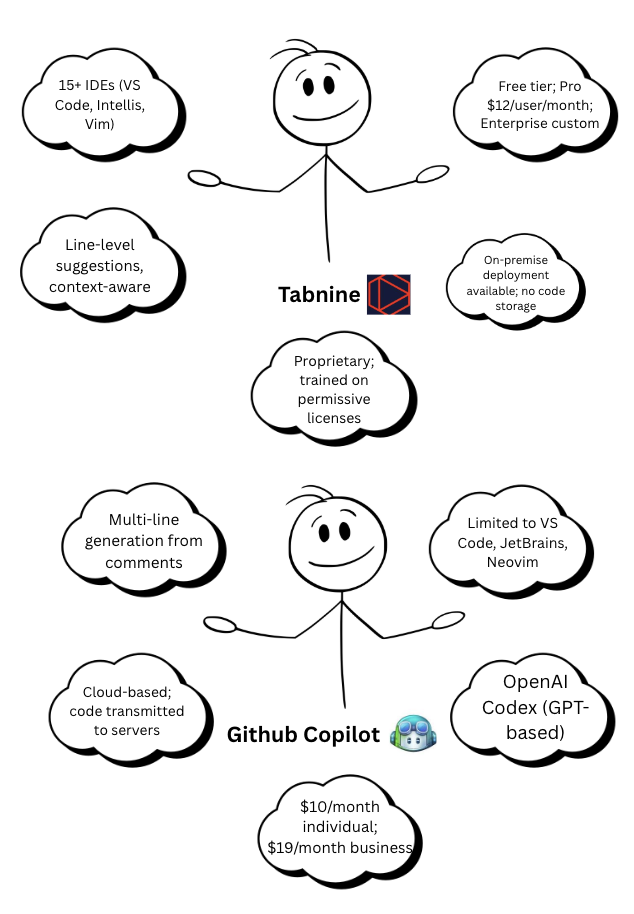
Code Approach: Tabnine delivers precise, context-aware code completions based on your codebase, whereas Copilot assists by writing entire functions or complete code blocks.
Privacy: Tabnine offers local and on-premises development, making it preferable for projects containing sensitive information. Copilot’s cloud-based model sends code snippets to Microsoft servers, which is less secure for sensitive projects.
Pricing: Copilot’s $10/month is budget-friendly for individuals. Tabnine’s enterprise plans ($9–$39/month) provide customizable privacy and team-trained AI models.
Integrations: Tabnine supports 15+ IDEs, including niche editors. Copilot focuses on VS Code, JetBrains, and Neovim, with tighter GitHub ecosystem integration.
Use Cases: Tabnine is best for teams that prioritize privacy and security and only need code-related suggestions. Copilot is more useful when privacy isn’t a major concern and you want full code completions..
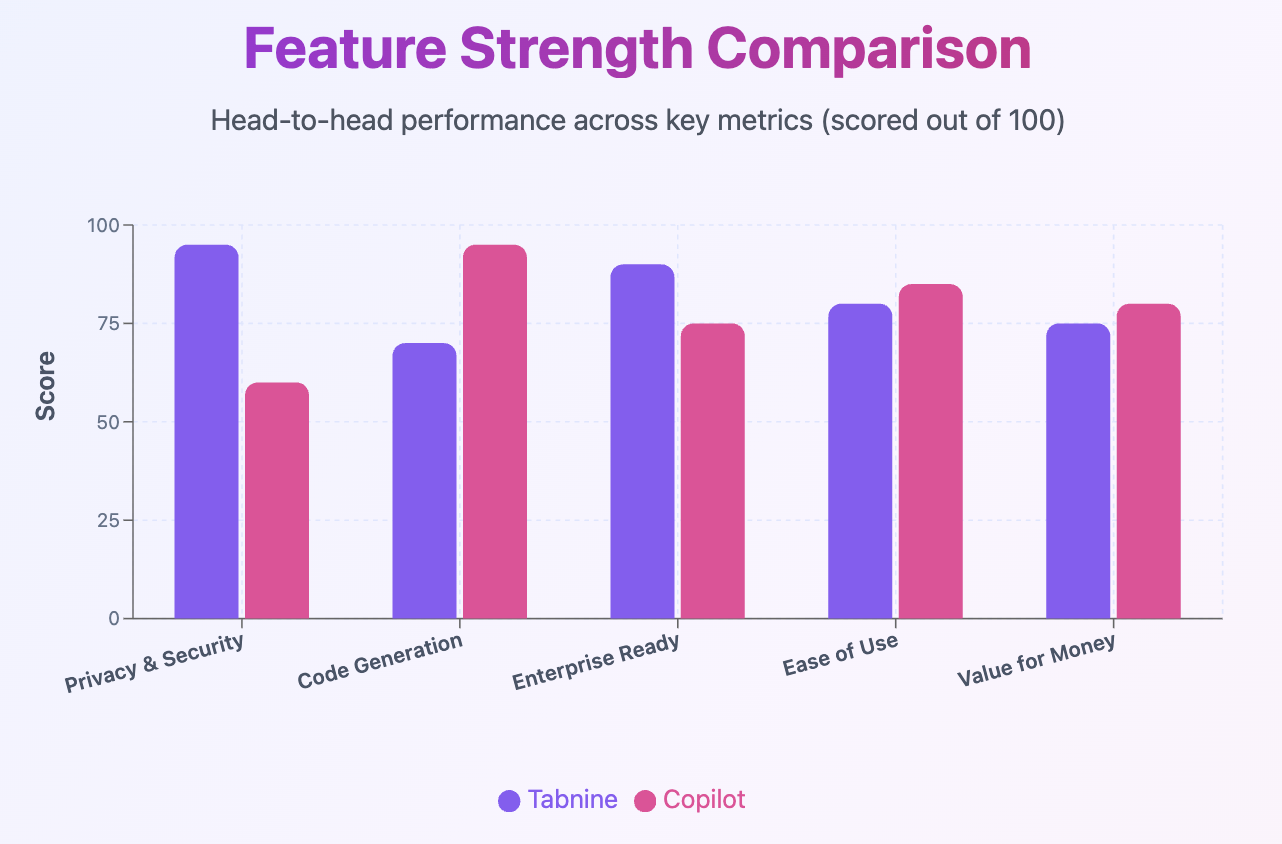
Bar graph depicting the feature strength comparison between Tabnine and GitHub Copilot
Which One Should You Choose?
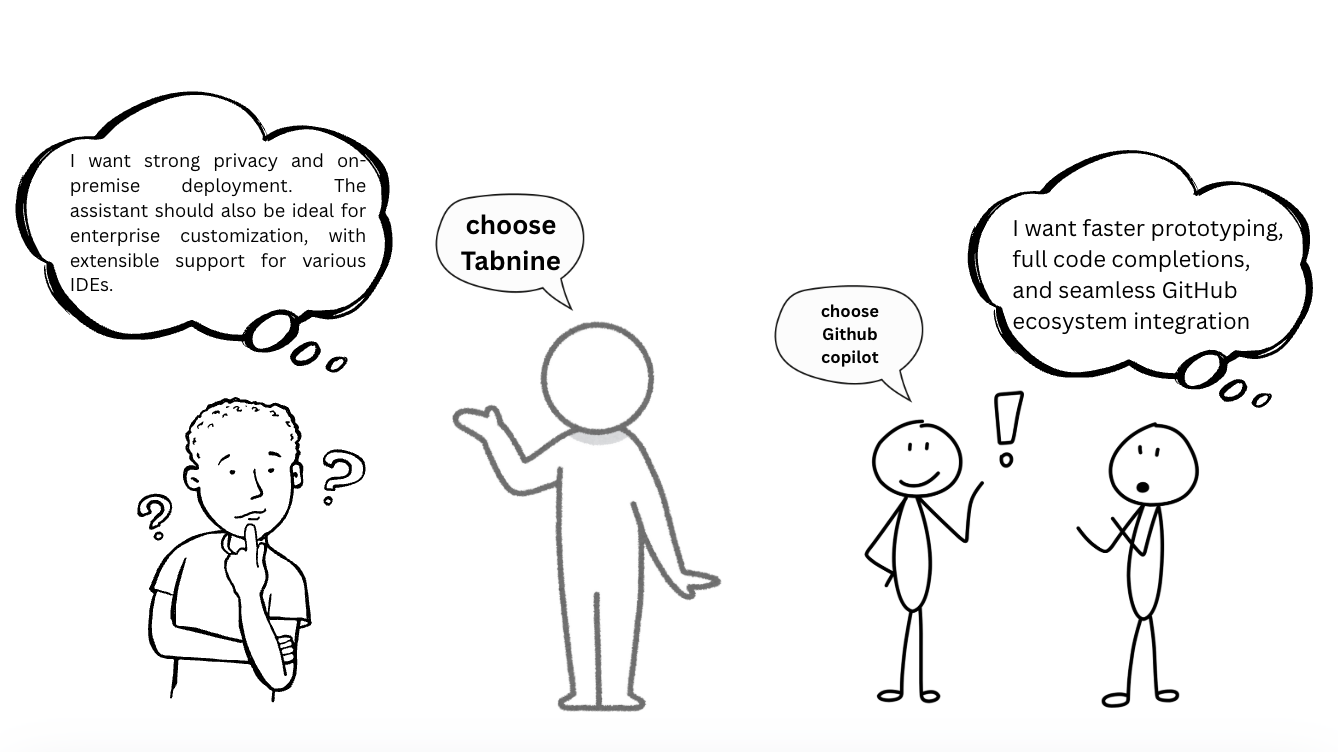
Picking between Tabnine and GitHub Copilot totally depends on your coding style, your project requirements, and how much you care about privacy. Both are fantastic AI tools that make your work faster and more productive, but they are built with different purposes in mind.
From the above figure, we can conclude that if privacy is your concern, then Tabnine is the best option for you. Tabnine keeps your code off the cloud, protecting sensitive information, which matters a lot for enterprises working in finance, healthcare, or other regulated industries. Tabnine learns from your local codebase and provides suggestions according to your team’s coding style, giving you a more personalized experience while coding and making collaboration smoother. It’s also great if you want super-accurate, project-specific code completions.
On the other hand, Copilot’s cloud-based approach might not be the best fit if security and privacy are your top priorities, but it’s a beast when it comes to quick prototyping, exploring new frameworks, and learning. Copilot draws its suggestions from massive open-source repositories, making it powerful for a justified reason. It tends to generate creative, diverse suggestions that are especially useful when you’re stuck or trying out something new.
So, choose Tabnine if you’re in a regulated industry or need tailored, private suggestions. Go with Copilot if you’re a student, indie developer, or just want to crank out code fast. Match the tool to your goals — and you’re golden.
References:
→https://www.tabnine.com/blog/tabnine-versus-github-copilot/
→https://github.com/features/copilot
→https://swimm.io/learn/ai-tools-for-developers/copilot-vs-tabnine-go-head-to-head-6-key-differences

